How it Works
1. INSTANT DOWNLOAD
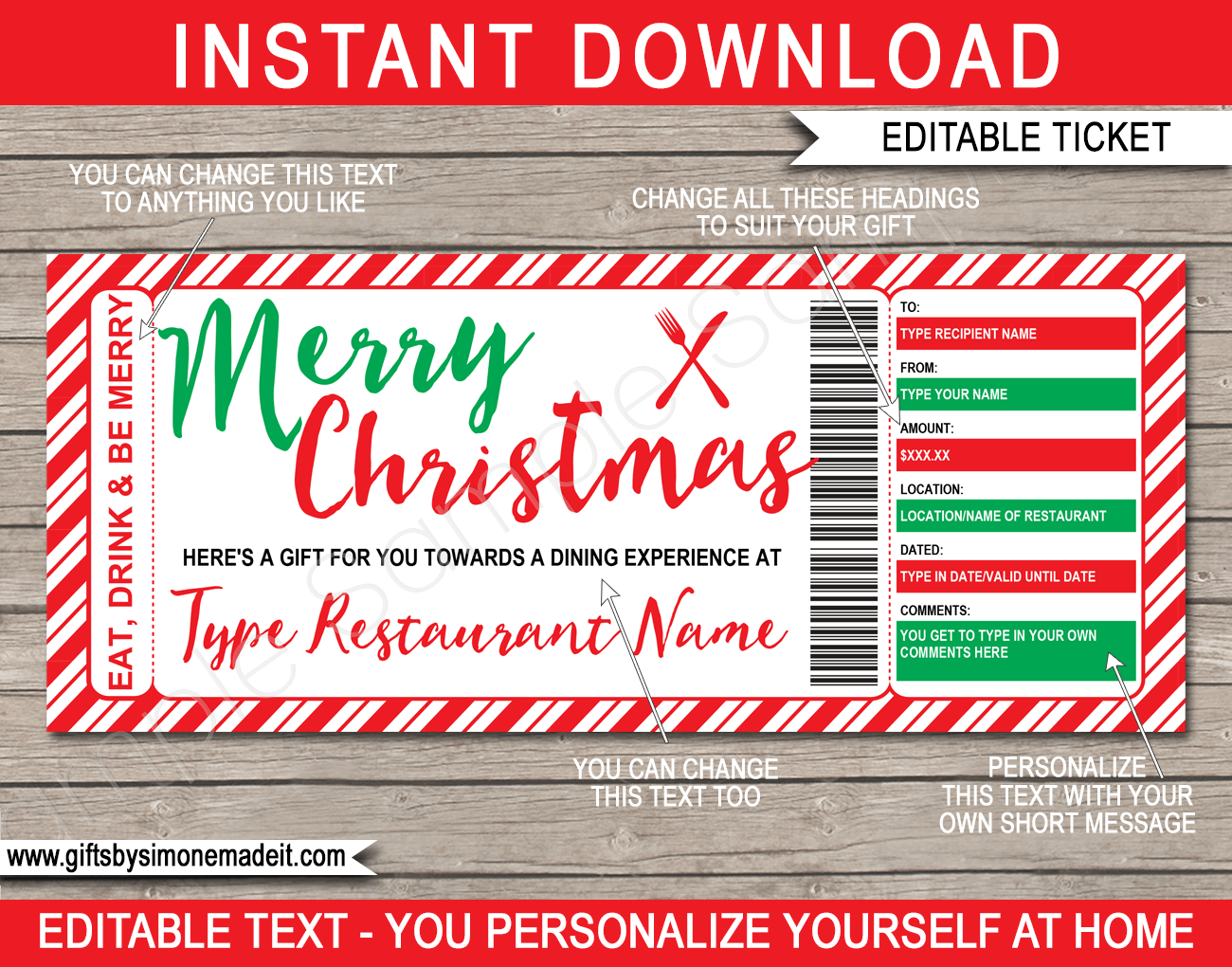
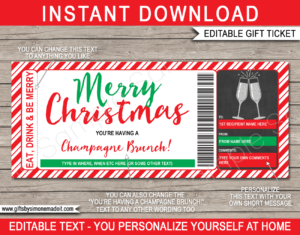
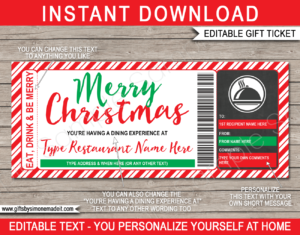
Download your printable Christmas Restaurant/Dining Gift Certificate template as soon as your payment goes through.
2. PERSONALIZE AT HOME
For best results, open the PDF in the free desktop version of Adobe Acrobat Reader on a laptop or computer and simply start typing over my sample text. Editing on a mobile device or in another PDF app may work, but results depend on the app and you may run into issues. Note that the “Merry Christmas” text on this template cannot be changed.
3. PRINT
Print as many times as you like on your home color printer (or at your local copy shop) on 8.5 x 11 inch (or A4 sized) bright white Cardstock. See all my printing tips here.
4. CUT
Cut out each gift certificate using the provided cut lines as a guide.
Included Templates
1. Instructions
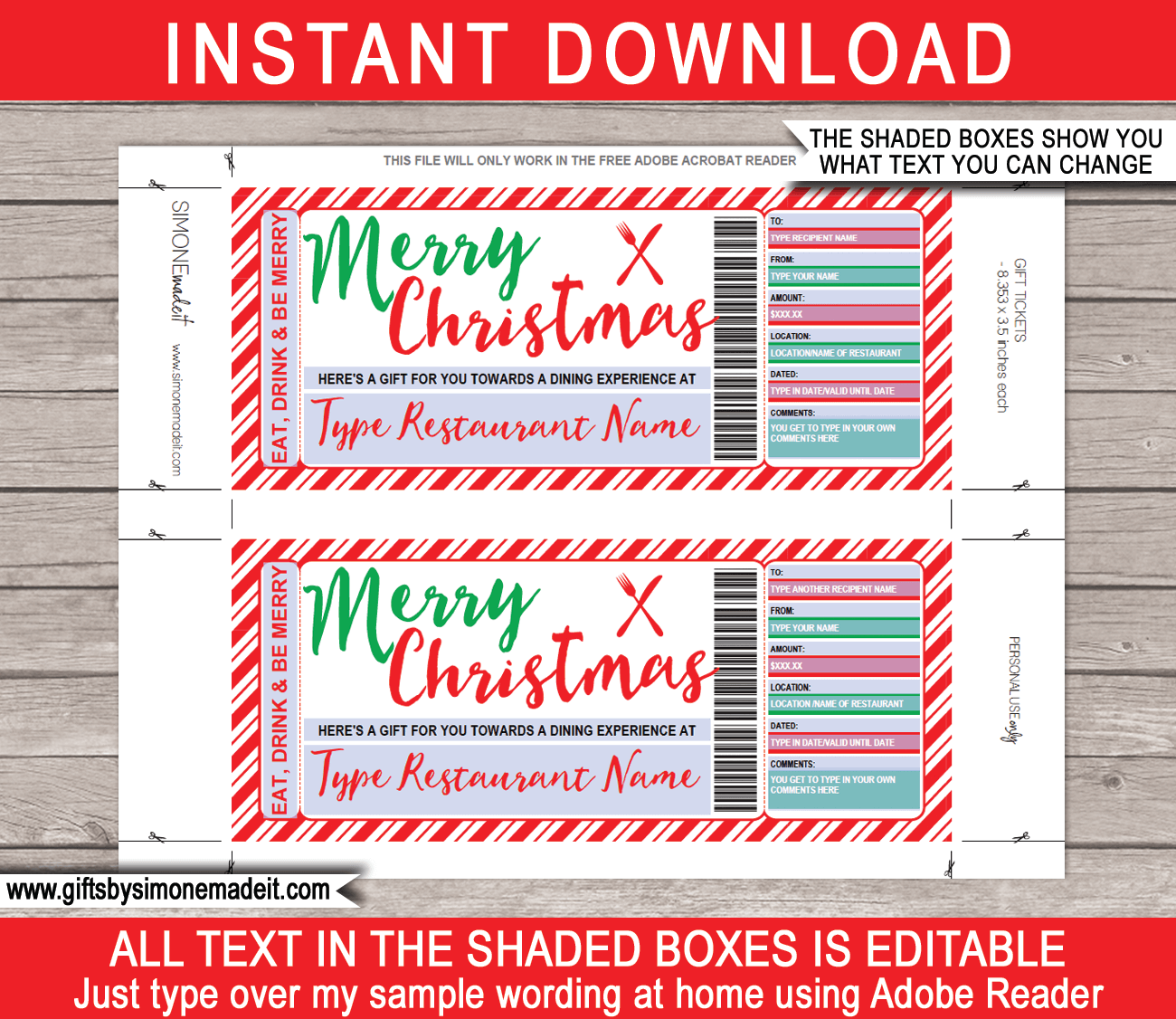
2. PDF file with 2 x gift certificates per page (each of the 2 gift certificates can be for a different recipient and/or date, restaurant etc).
Each gift certificate is 8.353 x 3.5 inches.
FAQs
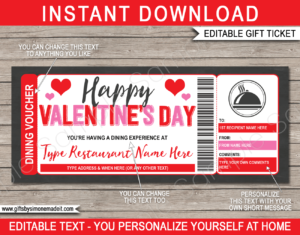
Common questions about this Christmas Restaurant/Dining Gift Certificate (knife & fork) template
Is this a physical product?
No. This is a digital download. You’ll get an editable PDF file straight away, and nothing is shipped.
Is this a real gift certificate?
No. This is a printable gift template for revealing a restaurant meal you’ve arranged or paid for yourself. It isn’t linked to any business and can’t be redeemed anywhere.
Can I give this before I’ve booked it?
Yes. You can give this now and book later, which makes it a good last-minute gift.
What size is the gift certificate?
Each printable gift certificate is 8.353 x 3.5 inches, with two on each page.
What do I need to edit this template?
The free desktop version of Adobe Acrobat Reader on a laptop or computer. You can download it free from: https://get.adobe.com/reader/
Can I edit this on my phone or tablet?
It may work, but it depends on the app, as some work better than others. To avoid problems, edit on a laptop or computer with the free Adobe Acrobat Reader.
Can I change the text myself?
Yes. Type over my sample wording in Adobe Acrobat Reader. Everything can be changed except the “Merry Christmas” text, which stays as it is.
Can I change the colors or images?
No. You won’t be able to change colors, graphics, fonts, sizes or backgrounds.
Can each gift certificate on the page be different?
Yes. Each of the two gift certificates on the page can have a different recipient, date, restaurant, etc.
Can I print it more than once?
Yes. Once you’ve bought the template, you can edit and print it as many times as you like.
What paper should I print on?
US Letter (8.5 x 11 inch) or A4. For best results, use bright white cardstock (110lb / 300gsm, or the thickest your printer can handle) and print at “Actual size”.
Can I print this at a copy shop or photo lab?
A copy shop, yes. Save the PDF to a USB flash drive and take it in. A photo lab, no, because this is a PDF, not a photo file.
Can I email it out?
This gift certificate is designed to be printed and handed over in person.
What if I have trouble editing?
Take a look at my troubleshooting page and if that doesn’t help, you can contact me.
Required Software
This editable template works best in the FREE desktop version of Adobe Acrobat Reader on your laptop or computer. You may have issues editing in any other program OR on your mobile device.
You can download a copy of Adobe Acrobat Reader program to your computer or laptop for FREE here: https://get.adobe.com/reader/


Raymond J –
Excellent!
Illinois, USA