How it Works
1. INSTANT DOWNLOAD
Download your printable Elf ID Card – Elf Surveillance Team template as soon as your payment goes through.
2. PERSONALIZE AT HOME
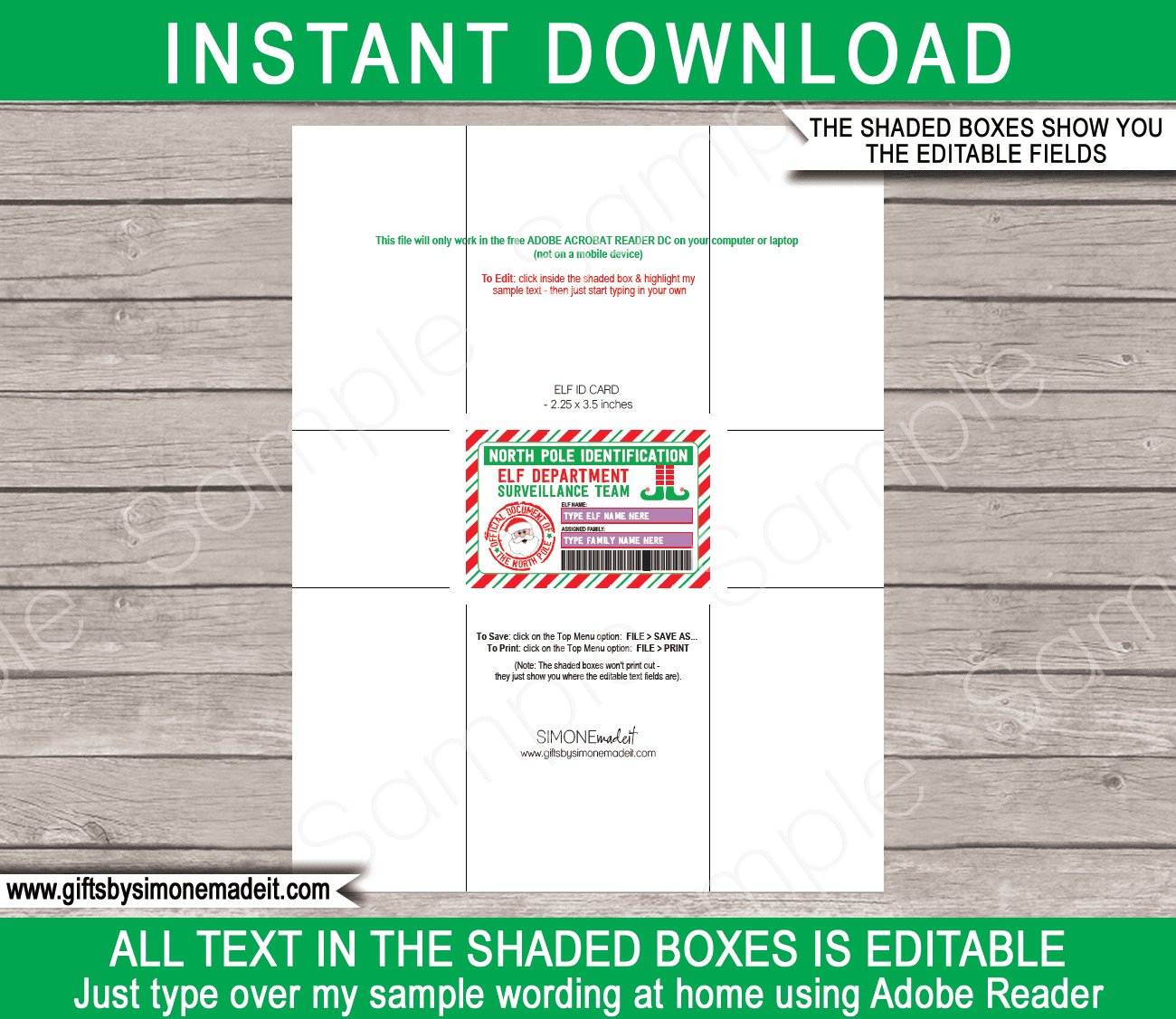
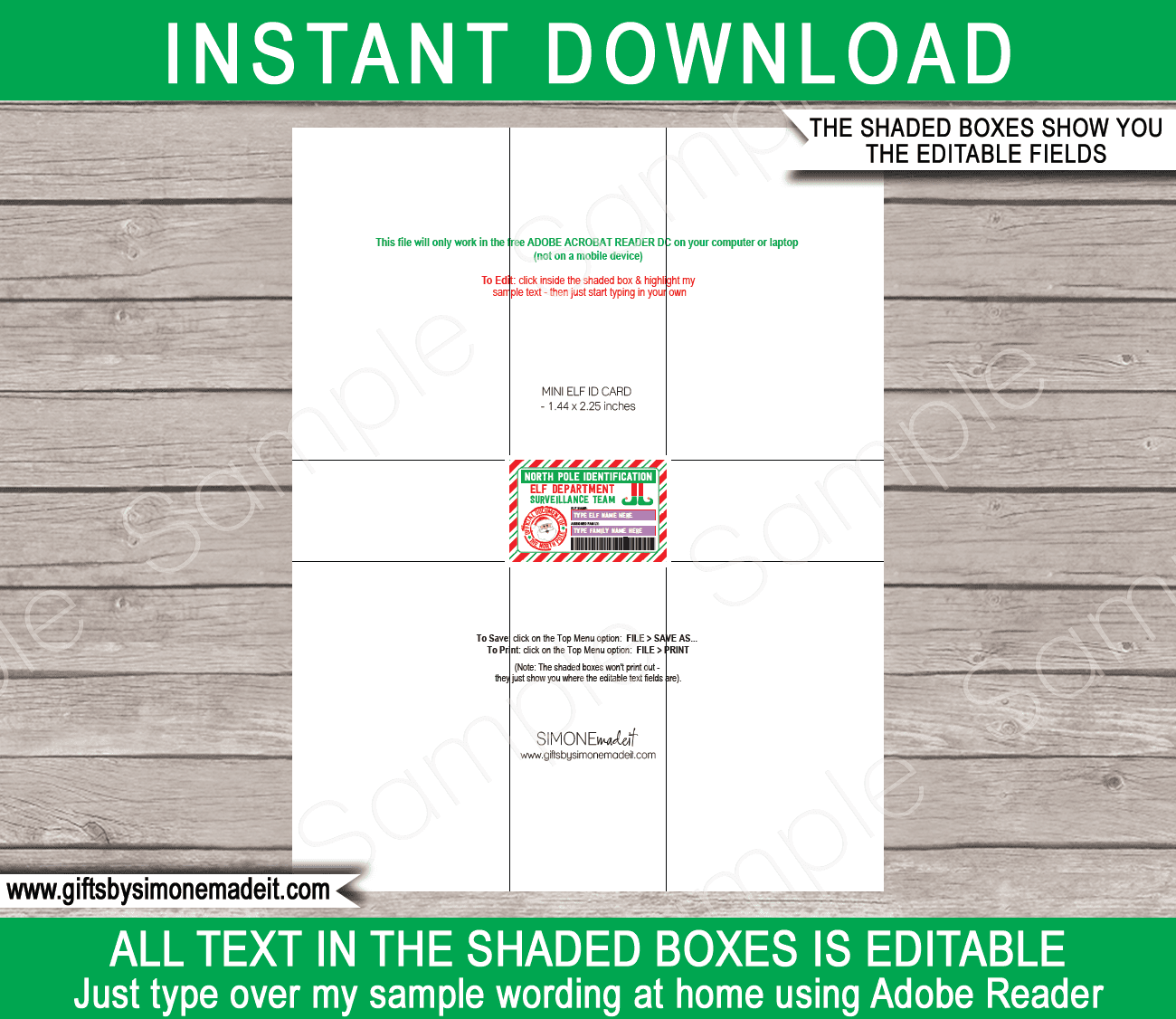
For best results, open the PDF in the free desktop version of Adobe Acrobat Reader on a laptop or computer and personalize each ID Card. Editing on a mobile device or in another PDF app may work, but results depend on the app and you may run into issues. Note that you will only be able to edit the Elf name & family name – no other text can be changed.
3. CHOOSE YOUR PAPER
All templates print on US Letter (8.5 x 11) or A4 size paper as follows:
For the single page Elf ID Cards – I recommend regular white computer paper OR thicker cardstock for a more professional look.
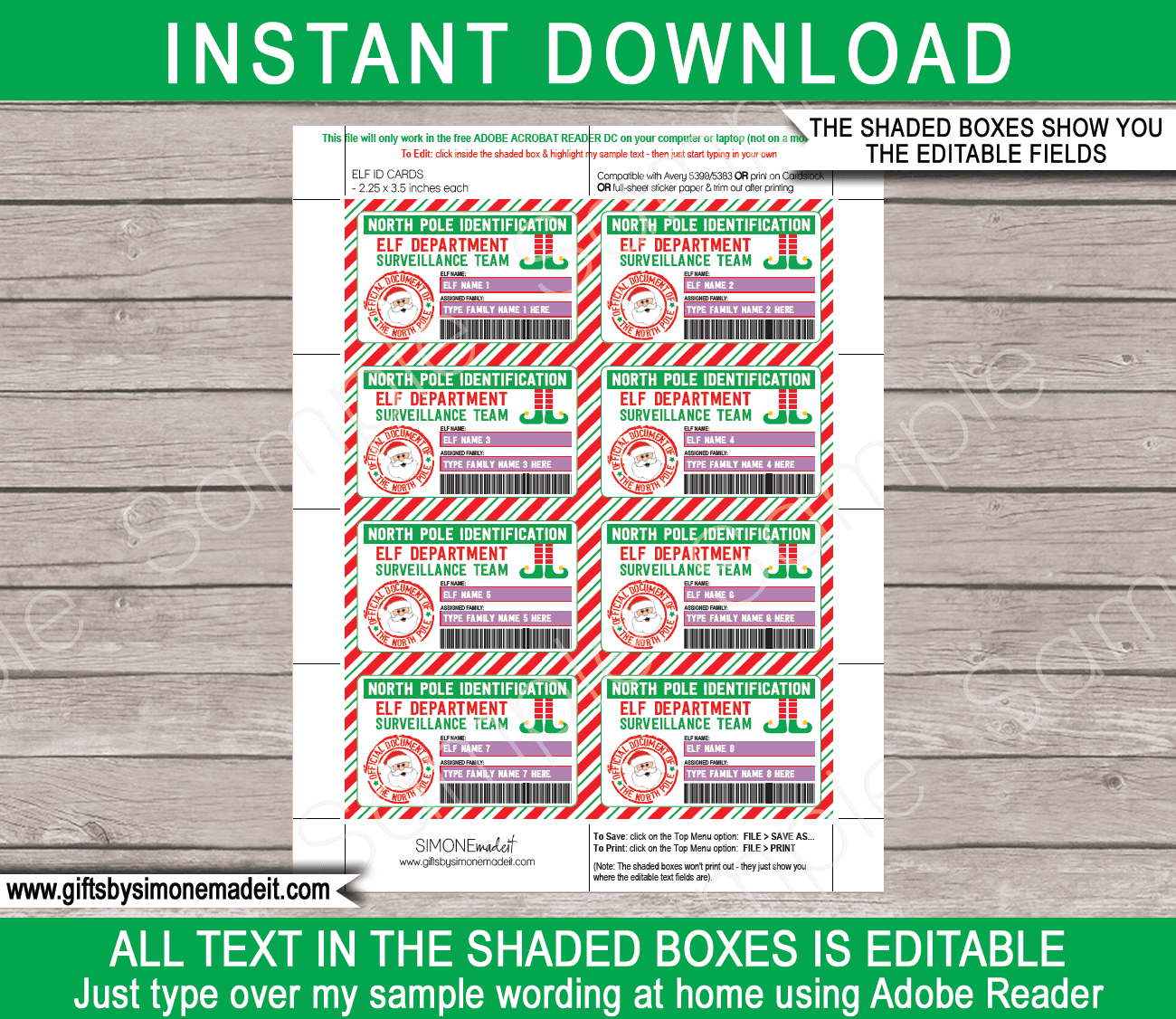
For the 8 x page ID Cards – I recommend compatible Avery 5390/5383 name badge inserts OR regular white computer paper OR thicker cardstock
4. PRINT & CUT
Print the ID cards on your home color printer OR at a copy shop (Staples, Office Max, Office Depot, Officeworks etc). If not using the pre-cut Avery inserts, you will need to cut out the cards after printing. See all my printing tips here.
5. ASSEMBLE
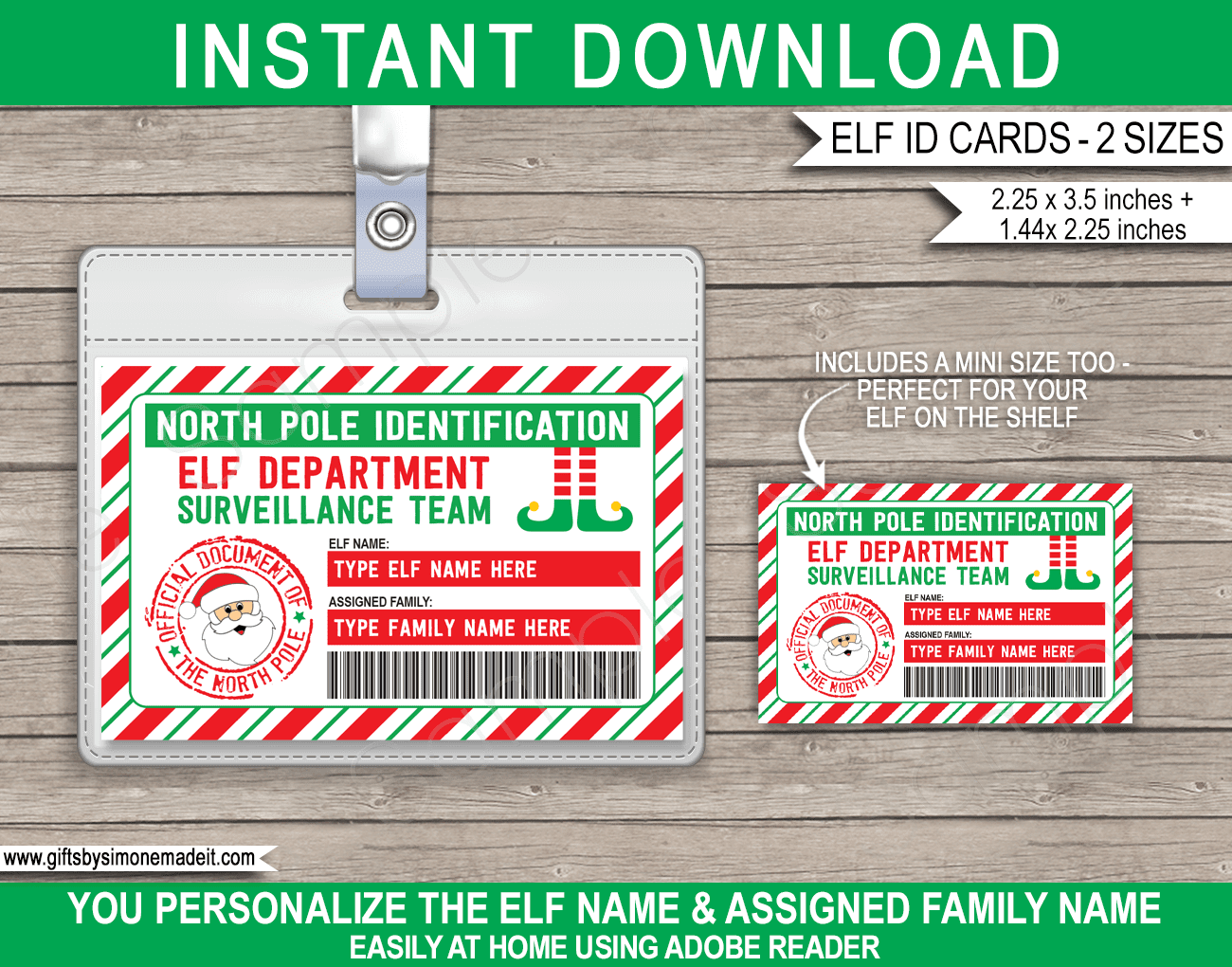
Insert the larger ID cards into a badge holder with a lanyard (fits most standard horizontal badge holders – check sizes before purchasing), or laminate and punch a hole to thread a coordinating ribbon/lanyard through.
Included Templates
1. Instructions
2. PDF file with 1 x Mini Elf ID card – 1.44 x 2.25 inches
3. PDF file with 1 x Elf ID card – 2.25 x 3.5 inches
4. PDF file with 8 x Elf ID cards – 2.25 x 3.5 inches (compatible with Avery 5390/5383.)
FAQs
Common questions about this elf ID card template
Is this a physical product?
No. This is a digital download. You’ll get an editable PDF file straight away, and nothing is shipped.
What size is the ID card?
You get 3 versions: a mini card (1.44 x 2.25 inches), a single card (2.25 x 3.5 inches), and a page of 8 cards (2.25 x 3.5 inches each).
What do I need to edit this template?
The free desktop version of Adobe Acrobat Reader on a laptop or computer. You can download it free from: https://get.adobe.com/reader/
Can I edit this on my phone or tablet?
It may work, but it depends on the app, as some work better than others. To avoid problems, edit on a laptop or computer with the free Adobe Acrobat Reader.
Can I change the text myself?
You can change your elf’s name and family name in Adobe Acrobat Reader. The rest of the wording stays as shown.
Can I change the colors or images?
No. You won’t be able to change colors, graphics, fonts, sizes or backgrounds.
Can I print it more than once?
Yes. Once you’ve bought the template, you can edit and print it as many times as you like.
What paper should I print on?
US Letter (8.5 x 11 inch) or A4. For the single cards, use regular printer paper or bright white cardstock (110lb / 300gsm, or the thickest your printer can handle). The 8-per-page cards also fit Avery 5390 or 5383 name badge inserts. Print at “Actual size”.
Can I print this at a copy shop or photo lab?
A copy shop, yes. Save the PDF to a USB flash drive and take it in. A photo lab, no, because this is a PDF, not a photo file.
Can I email it out?
This ID card is designed to be printed and left out by your elf.
What if I have trouble editing?
Take a look at my troubleshooting page and if that doesn’t help, you can contact me.
Required Software
This editable template works best in the FREE desktop version of Adobe Acrobat Reader on your laptop or computer. You may have issues editing in any other program OR on your mobile device.
You can download a copy of Adobe Acrobat Reader program to your computer or laptop for FREE here: https://get.adobe.com/reader/





Reviews
There are no reviews yet.